1. The Fundamentals: What is a Menu Board?
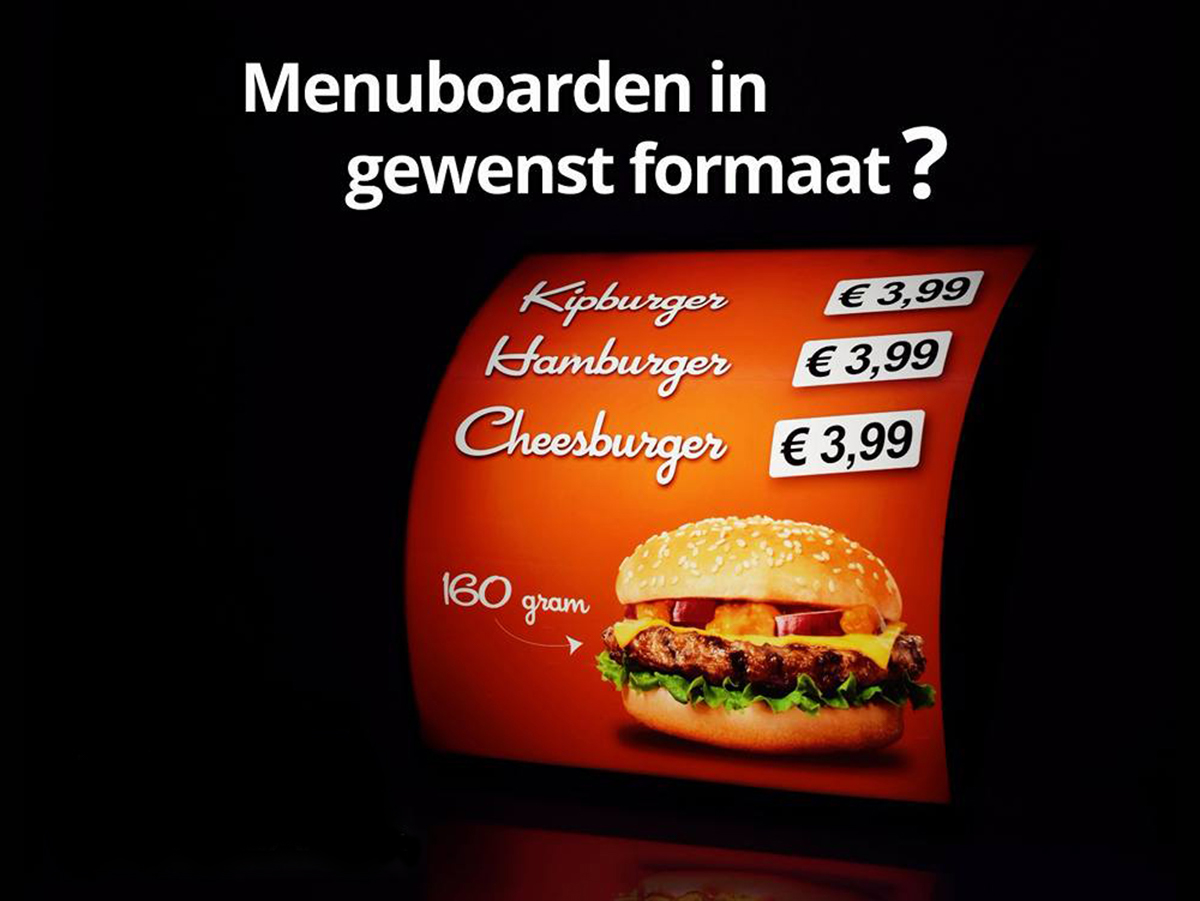
A menu board is a presentation tool, usually located in a central, highly visible spot in a hospitality venue (café, restaurant, snack bar, etc.), which displays the range of products, dishes, and their corresponding prices. Unlike a menu held in hand, a board is static and intended for multiple customers at once.
Primary functions:
-
Information: Clear communication of available items and their cost.
-
Orientation: Helps customers make a quick choice.
-
Efficiency: Speeds up the ordering process at the counter or bar.
2. Types of Menu Boards
Not every menu board is the same. The choice depends on the type of establishment, the atmosphere, and the flexibility required.
-
Fixed Menu Board:
-
Description: Usually made of a durable material like aluminium, wood, or forex, with permanent lettering.
-
Advantages: Very professional and high-quality appearance.
-
Disadvantages: No flexibility; price changes or new items require an entirely new board.
-
Use: Ideal for established businesses with a consistent, rarely changing offer.
-
-
Modular Menu Board:
-
Description: Consists of a frame with individual slots or grooves where loose elements (boards, cards, letters) are placed.
-
Advantages: Highly flexible. Prices and products are easy to adjust. Perfect for changing promotions or seasonal dishes.
-
Disadvantages: Can seem less "high-end" than a fixed board if not well-maintained (crooked cards, dirty slots).
-
Examples: Boards for chalk markers, whiteboards, or boards with plastic letter sets.
-
-
Digital Menu Board (Digital Signage):
-
Description: A large LCD or LED screen that displays the menu information.
-
Advantages: Maximum flexibility. Content can be adjusted in real-time. Possibilities for animations, videos, daily specials, and integration with POS software. Very eye-catching and modern.
-
Disadvantages: High initial investment. Requires technical knowledge. Can be prone to malfunctions.
-
3. The Psychology and Design: How to Guide Sales
This is where a menu board transforms from an information tool into a sales engine. The design and layout have a direct influence on customer decision-making.
A. Reading Patterns and "Hot Zones":
People scan a board according to predictable patterns (often an F-pattern or Z-pattern). The top-right corner is one of the strongest "hot zones," where the eye often goes first. Place your most prized or profitable items here.
B. Visual Hierarchy:
-
Titles: Use a large, bold font for categories (e.g., "Burgers," "Drinks").
-
Product Names: Use a medium-sized, readable font.
-
Descriptions: A smaller, but still easily legible font for the ingredients. A well-written, enticing description ("marinated in a spicy bourbon sauce") sells better than a dry list.
-
Prices: Use a consistent font for prices, often aligned to the right.
C. Pricing Strategy:
-
No Currency Sign ($, €): Omitting the currency sign can reduce the "pain of paying." Write "5.00" instead of "$ 5.00".
-
Rounding: Round numbers (€10) often feel like a fixed, fair price, while "charm" prices (€9.95) can feel like a deal.
-
Anchor Product: Place a very expensive item on the menu. This makes the other, still expensive but cheaper, options more attractive in comparison.
D. Use of Visual Elements:
-
Boxes or Lines: Frame the items you want to highlight (e.g., the "Daily Special").
-
Images: Use them sparingly and only if they are high quality. A bad photo can be a turn-off.
-
Colour Psychology: Red evokes energy and appetite. Green stands for freshness and health. Black and gold exude luxury. Choose colours that match your establishment's identity.
4. Best Practices for an Effective Menu Board
-
Readability is King: Use a clear, sans-serif font (like Arial, Helvetica) and ensure sufficient contrast between text and background. The font size must be large enough to read from a distance.
-
Organization and Logic: Group products into logical categories (Drinks, Starters, Main Courses, Desserts). Keep the order consistent with how people eat.
-
Cleanliness and Maintenance: The board must always be spotlessly clean. Replace broken letters, wipe away chalk residue, and regularly clean the glass of a digital board. A dirty board suggests a lack of hygiene in the kitchen.
-
Less is More: Don't overload the board with too many options (the "paradox of choice" effect). A focused offering is often more effective and efficient for operations.
-
Call-to-Action: Encourage impulse purchases with text like "Popular!", "Chef's Recommendation," or "Try It Today!".